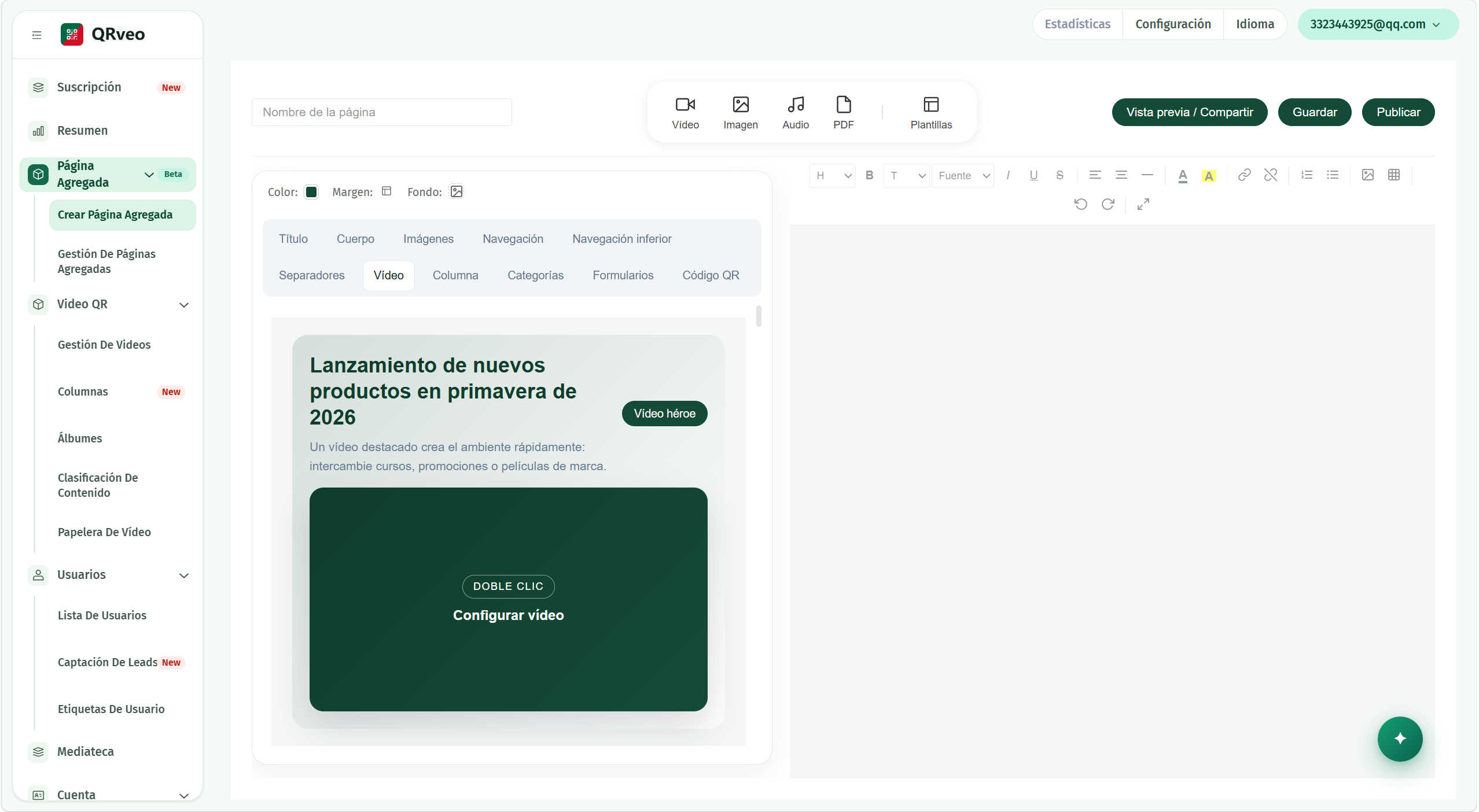
All-in-one aggregate pages
Combine video, images, audio, PDF, text, navigation, forms and QR code on a single page. Drag, drop and see the result live before publishing.
- Eleven components: title, body, images, navigation, video, column, categories, forms, QR and more.
- Double click to replace the content of any component.
- Preview and share before publishing, straight from the editor.
- Colors, margins and backgrounds per component. No line of code.
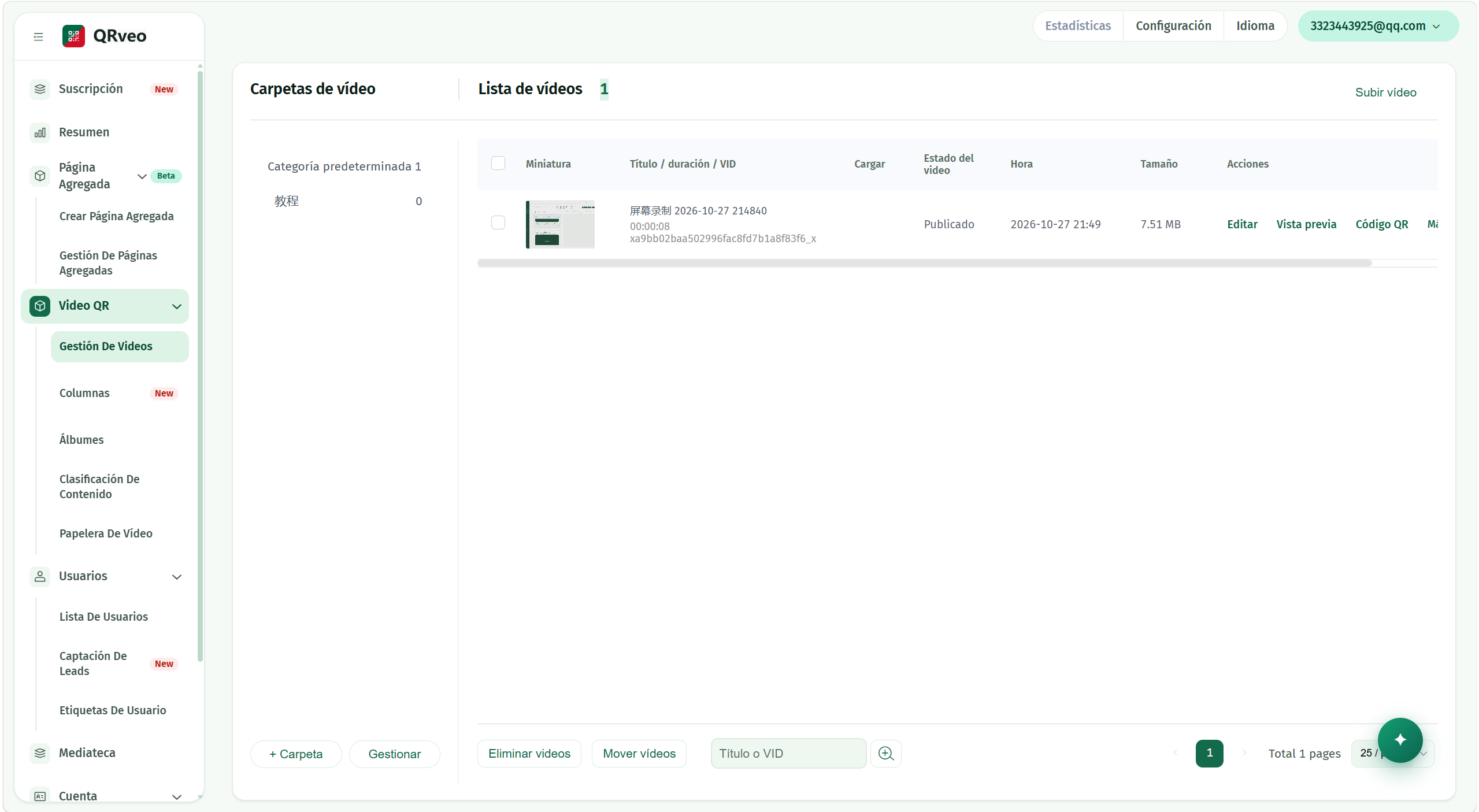
From video to QR
Upload your video, organize it in folders and get its QR code right away. The customer scans with the phone camera and watches: no apps, no accounts, no ads.
- Upload and manage by folders, with load status and size per video.
- Categories, trash and bulk actions over several videos at once.
- The QR keeps working when you change the video: you never reprint.
- Clean playback focused on the instruction. Your brand, nothing else.
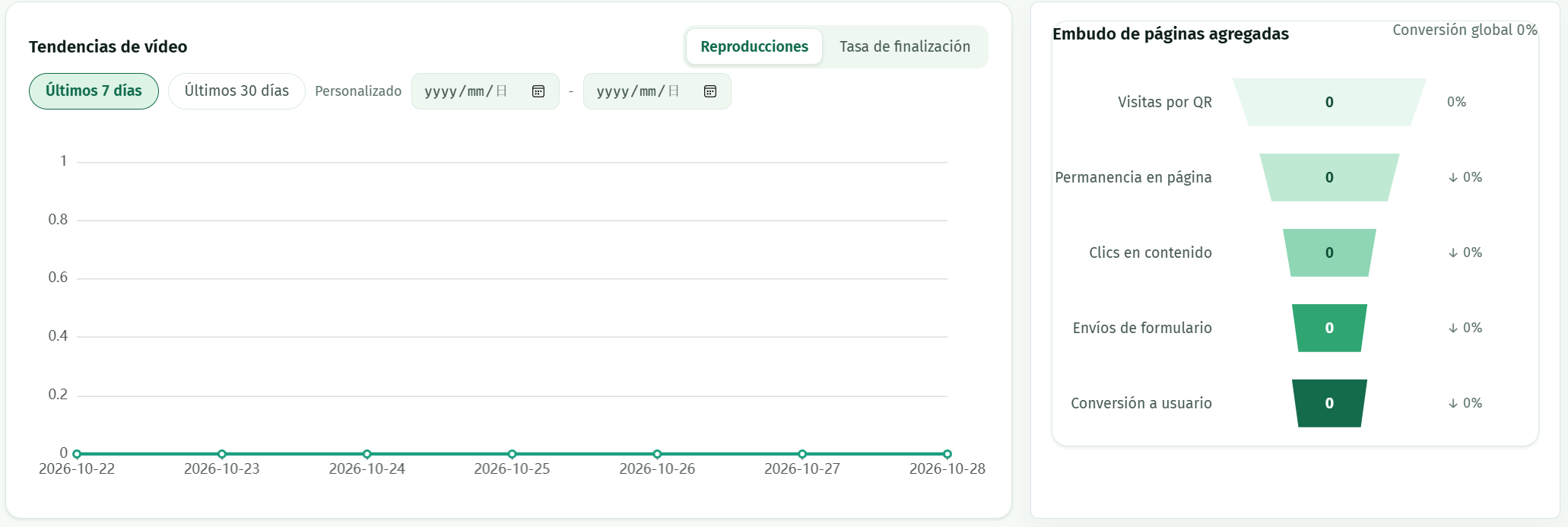
Data analysis
The dashboard summarizes how every QR behaves: videos watched, visits per QR entry, aggregate page conversion and new subscribers, with trends by day.

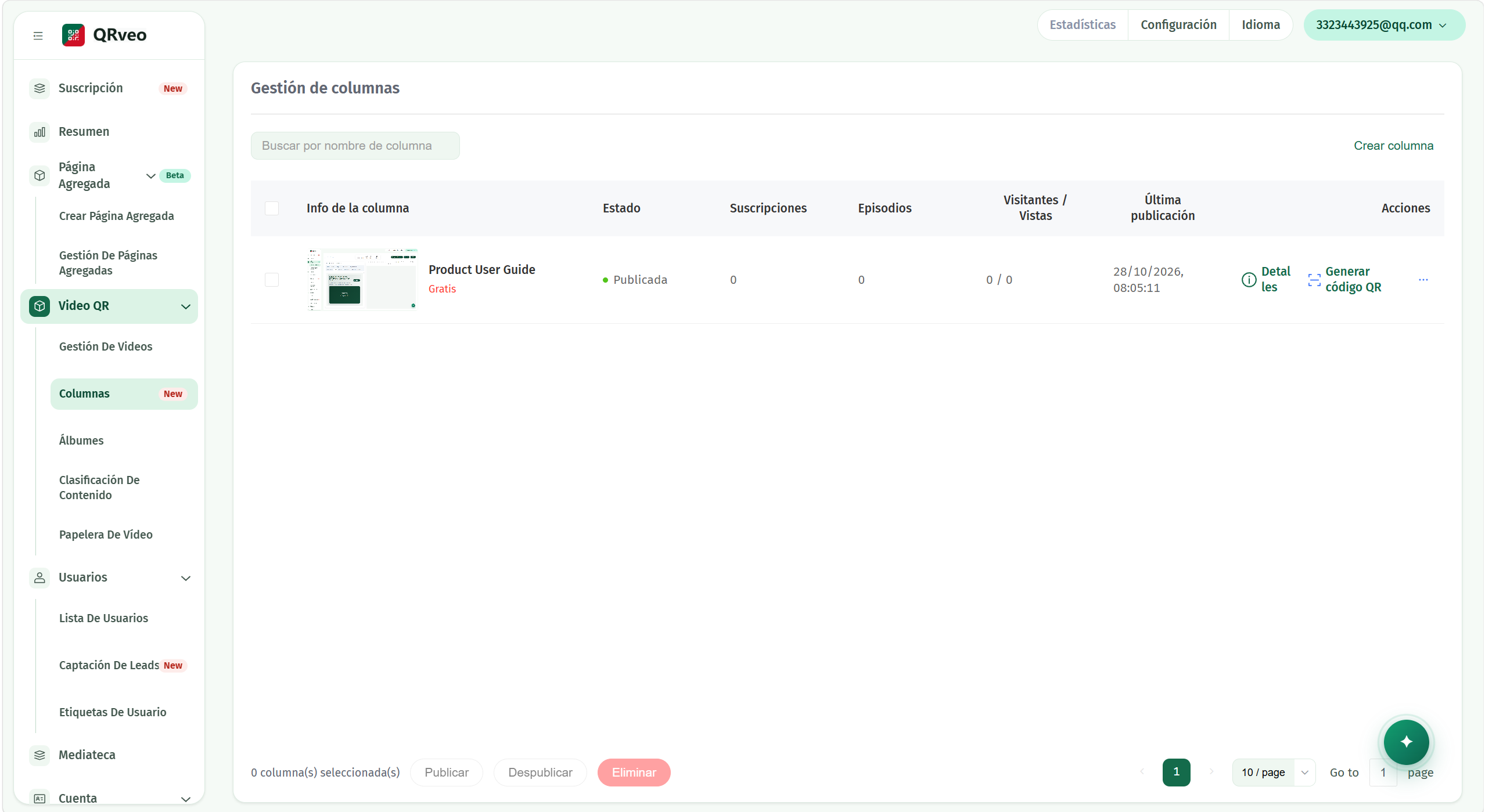
Columns: one QR, one playlist
Group a batch of videos behind a single QR code, with playlist and access control. Ideal for courses, serialized tutorials or catalogs.
- One code for the whole series: the customer scans once and browses the playlist.
- Access control on the column, with playback list included.
- Column demo available from the console to see it live.
- Plans by column count: start with one, grow when you need more.
Files and leads in one place
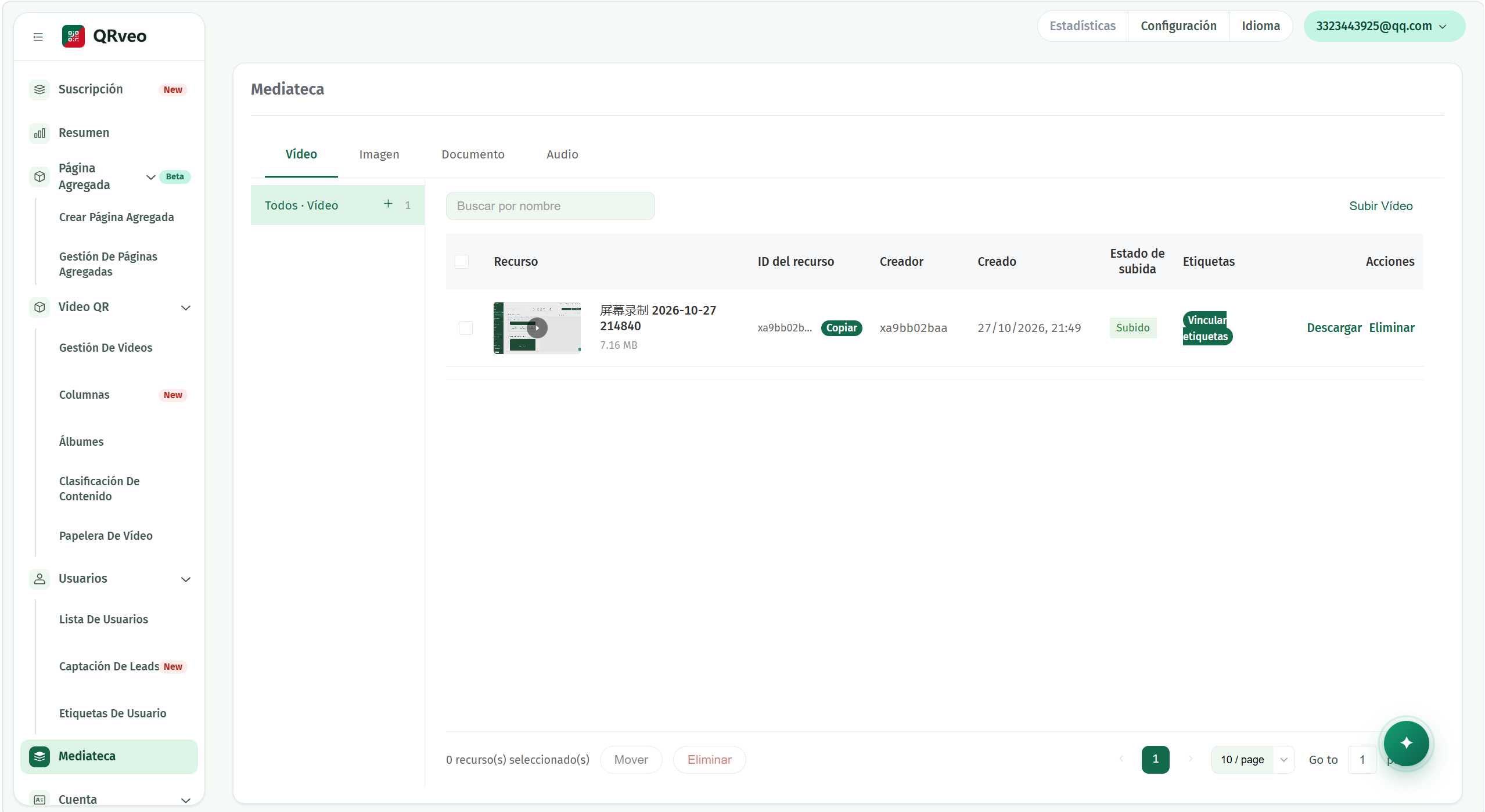
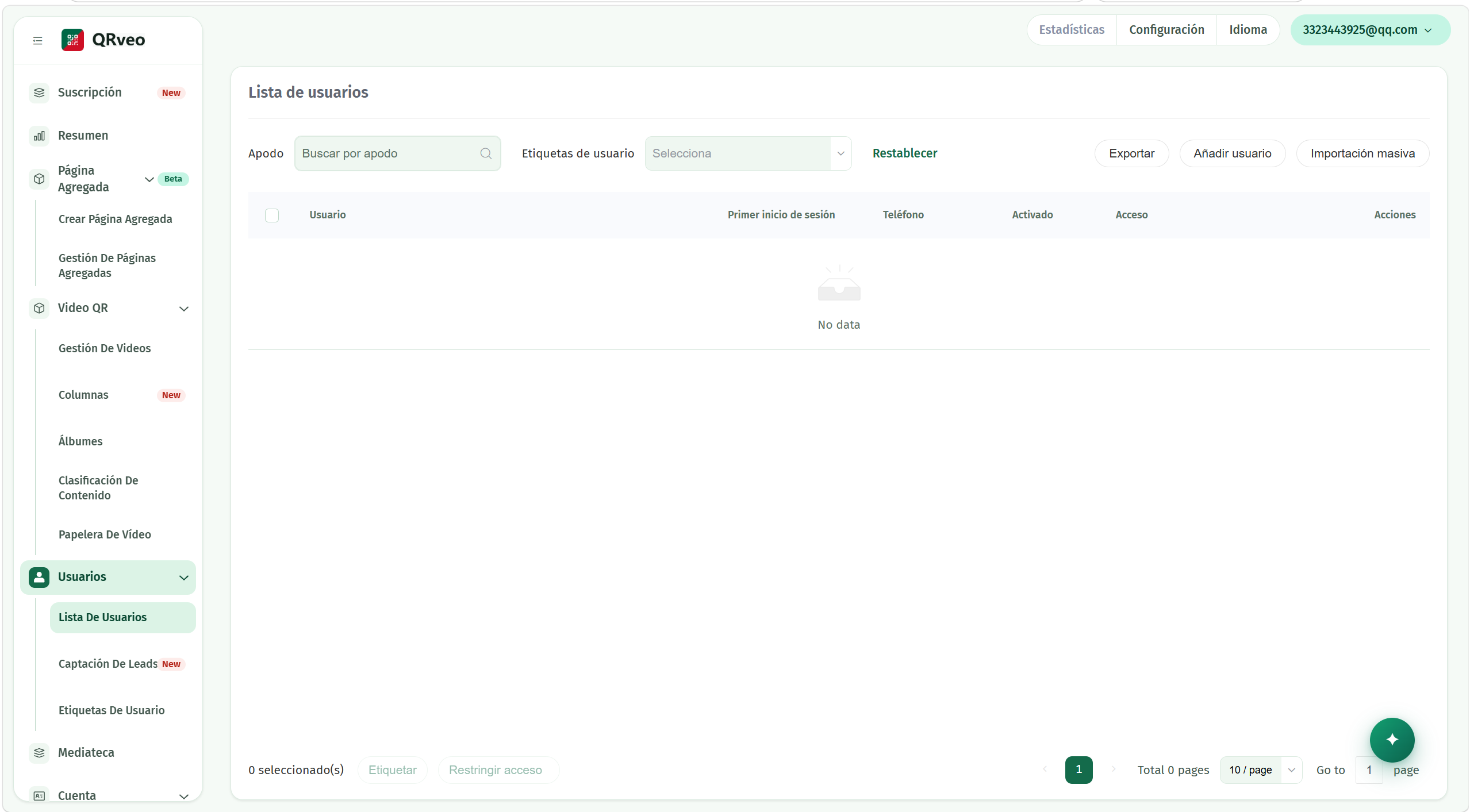
All your files live in the media library; the customers who leave their details in a form land in the user list with tags and phone.
- Media library: video, image, document and audio, with name search.
- User list with tags, activation status and bulk import.
- Lead capture forms with a submission count per form.
- User tags to segment whoever scanned your codes.
Start with your QR today
Sign in to the console, upload your first video and share your first QR code the same day.